Install Instructions:
1) Extract the Demo zip.
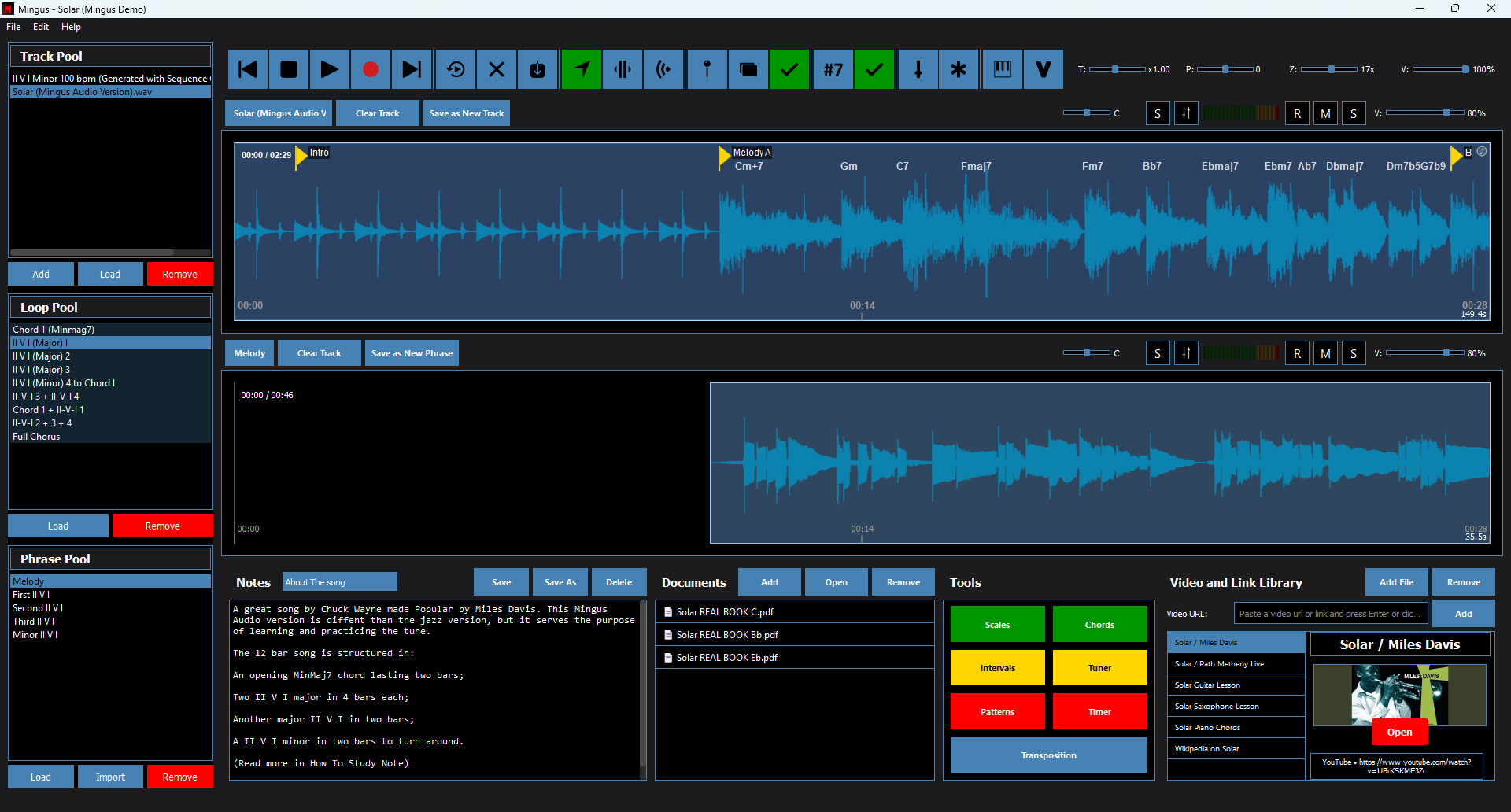
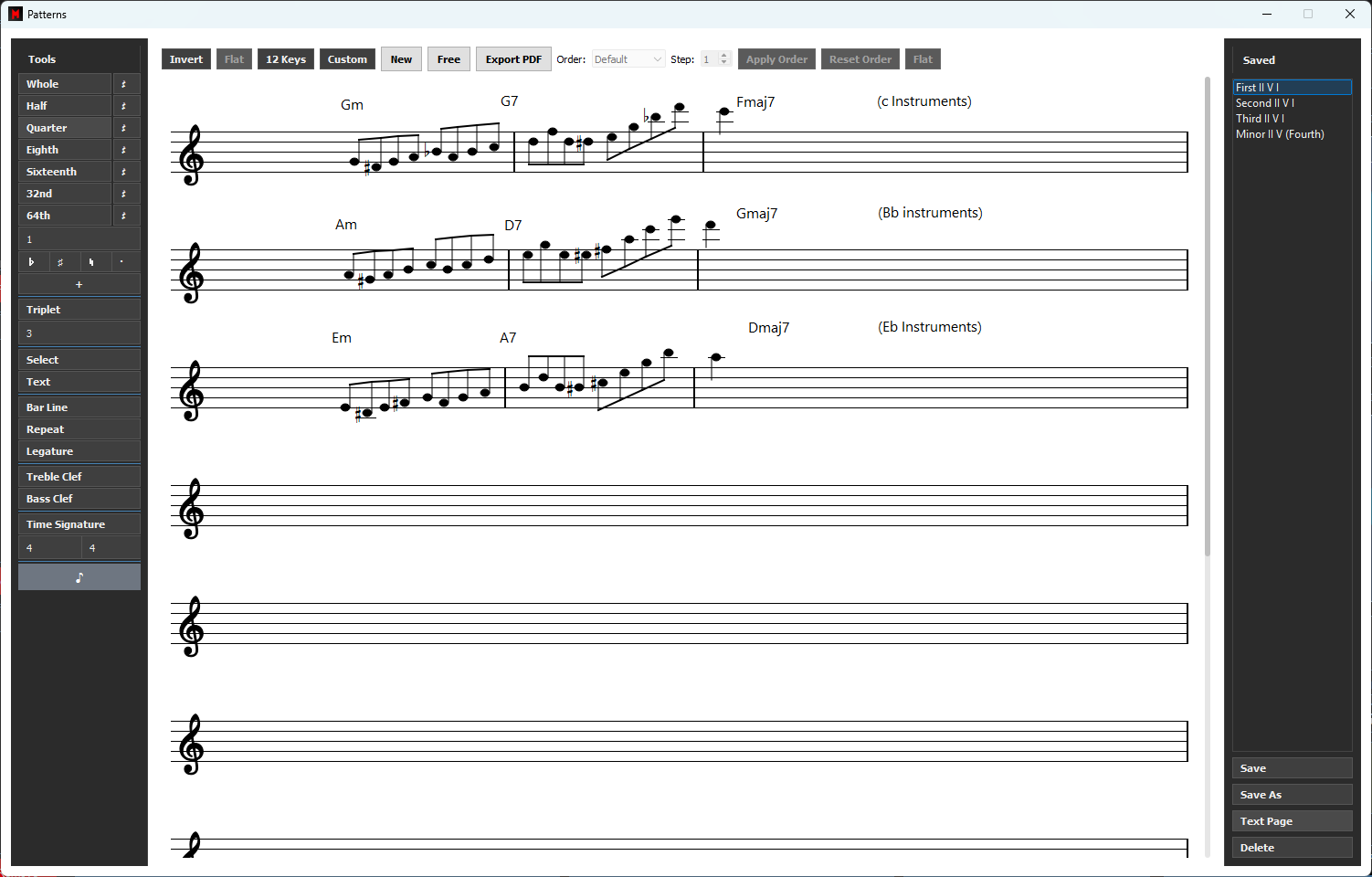
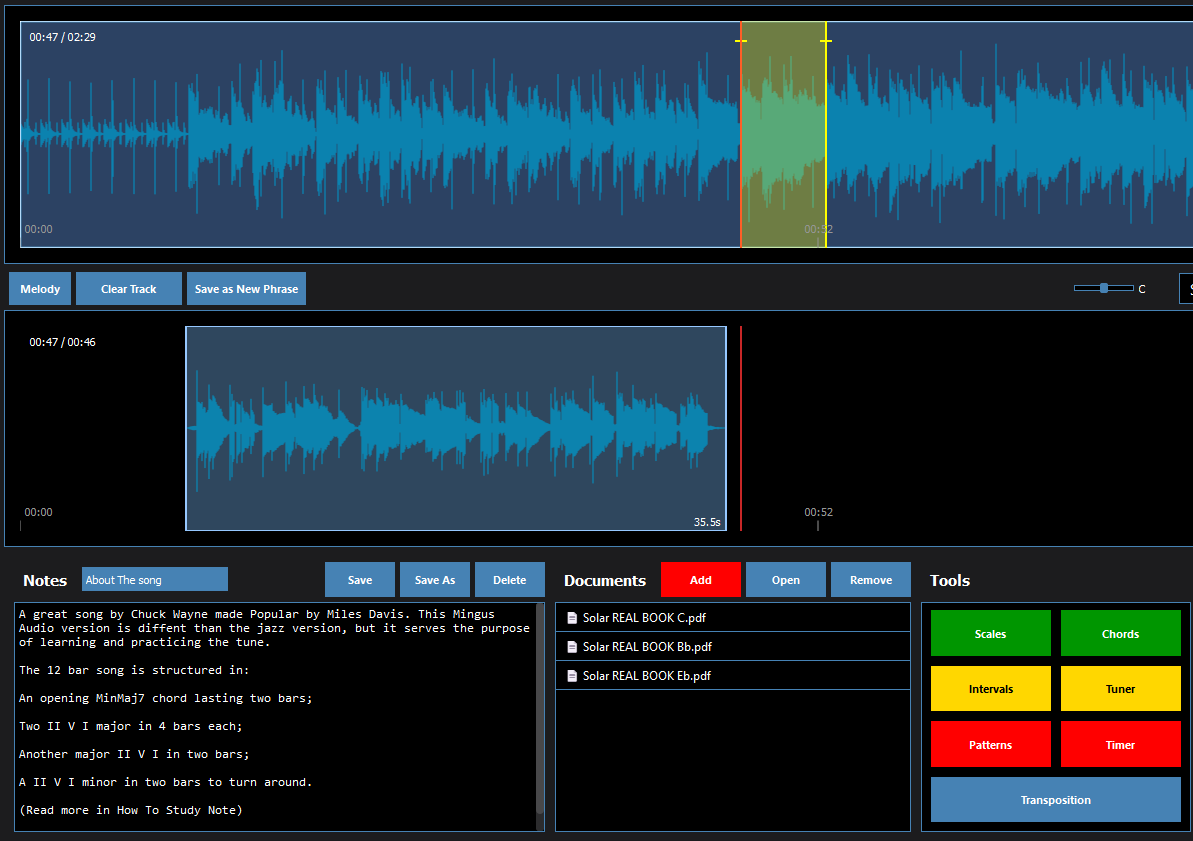
2) Open the Solar folder and double-click “Solar.mlp” to open it in Mingus.
(First time on Mac? Open Mingus once first, or right-click the file → Open.)
3) In Mingus, choose File → Save As and keep the suggested Projects folder,
then click Save. This adds the demo to your Mingus library.
If you skip this step, the project stays wherever you extracted it.
Don’t have MINGUS? Get it HERE
(To access the backing track only, open the Tracks folder inside the project folder and you’ll find the Audio Track)