
Distance
Spatial Placement and Automation Mixing Plugin
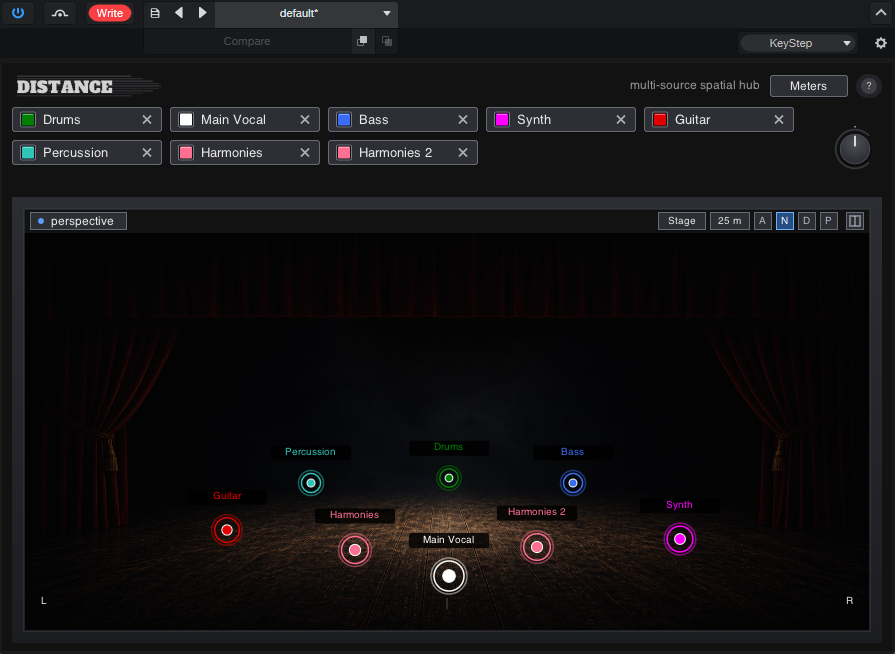
Distance is a truly innovative plugin that brings a new approach to mixing: place objects in a 3D stereo field and record automation movement through a fun visual interface.
Movement through automation is crucial to achieve an engaging mix.
Distance allows you to do this in a fun and practical way: place Distance on every track you want to automate, and Distance Bus on the main bus.
Just click and drag sound sources and save the moves (pan and distance) on the screen. Then play back to watch your music dance.
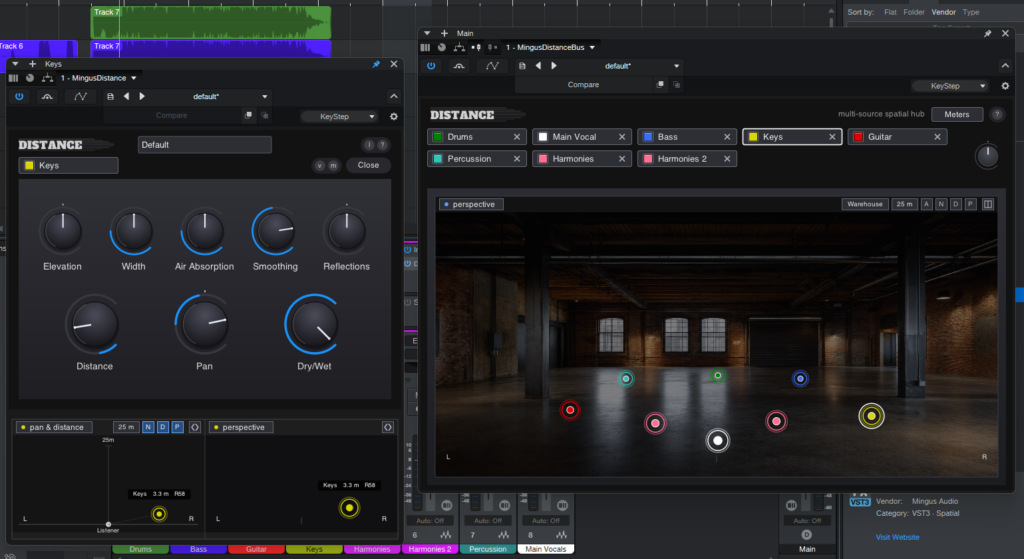
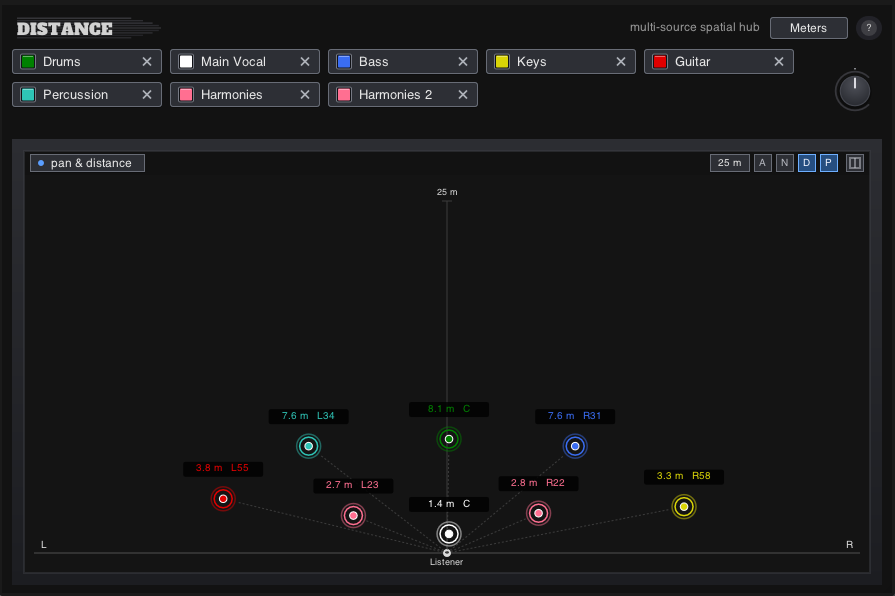
You can edit the automation lanes manually if you need to tweak something, as you’d normally do in the DAW
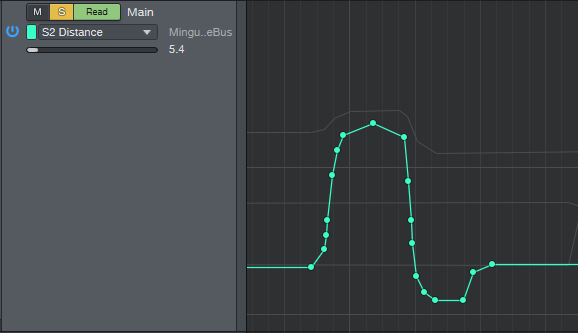
You can use Distance on single tracks also, and adjust extra parameters to tweak the distance perception: Elevation, Width, Air Absorption, Smoothing, Reflections
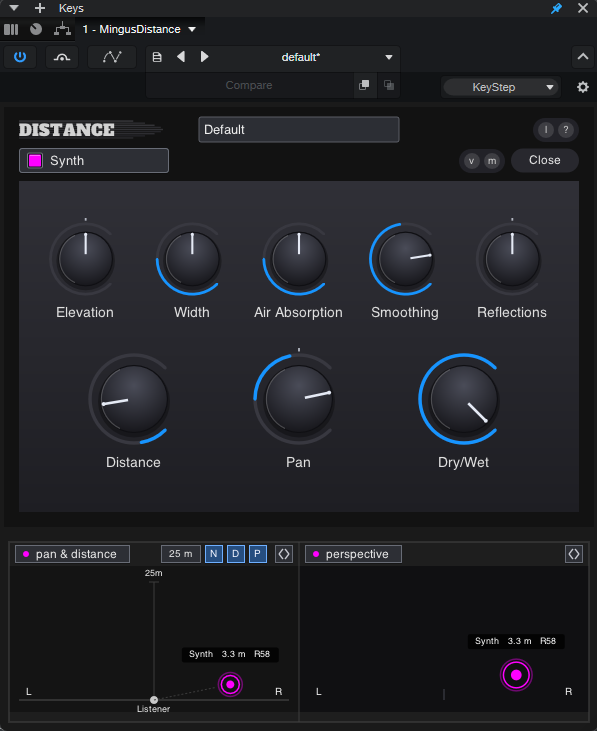
Customize the visuals: colors, avatars, skins.
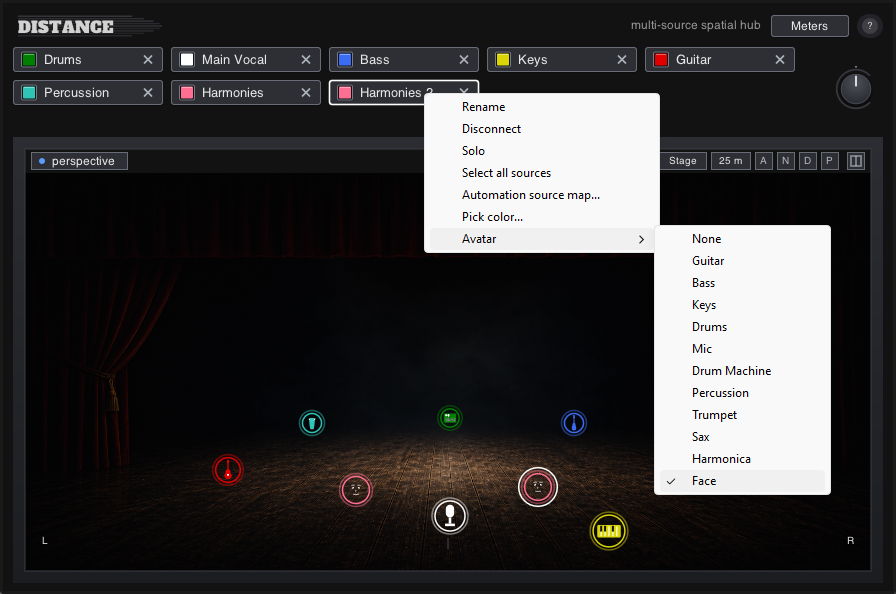
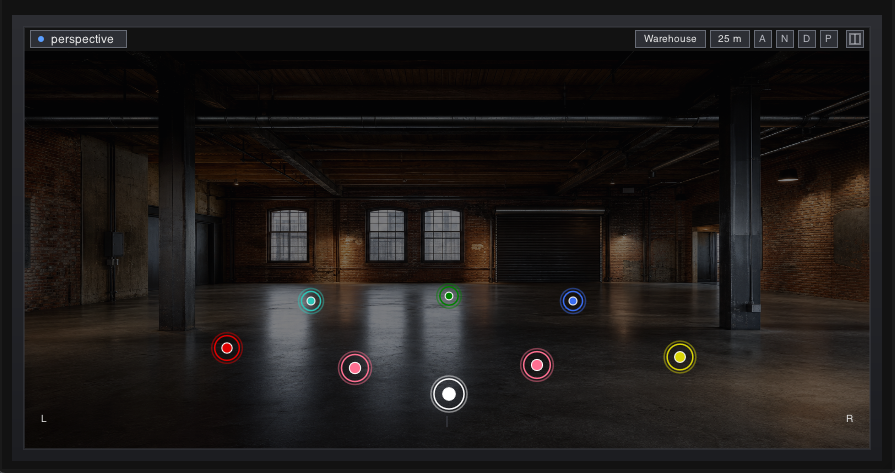
Achieve spatial placement without reverb wash
Draw movement for mixes that feel “alive”
Avoid frequency buildups through smart automation
Watch (and hear) Taste by OnlyMachines automated with Distance
For mixing this version, we used almost exclusively Mingus Audio plugins. HiFi EQ on tracks and master bus, SuperPress on vocals and master bus, VerbBands on saxophone, and Distance, available as a pack in Plugin Bundle One
Mixing Flow:
- Tweak each track independently to get it well balanced and with the sound you want (eq, compression, effects). Keep all tracks panned to the center. Level all tracks to have a more or less similar volume.
- Insert Distance on every track, then Distance Bus on the Main Bus (or on a Bus where you send the tracks). Customize names and colors as needed.
- Drag each source to place it in the 3D stereo field, and get a rough mix that sounds balanced.
- Start recording automation of movement to bring the mix to life.
- Place extra plugins on the mix bus after Distance Bus (eq, compression, saturation, limiting, whatever you need before exporting the mix)
This short video shows three stages of a mix with DISTANCE
First the mono mix, everything panned to the center, no distance.
Second, spatial placement of the instruments.
Third, automated movement.
We did not process individual tracks for this example; these are raw recordings captured with a vintage Neumann KMS 84i microphone.
While it is not a final mix, it shows how you can achieve depth and movement without reverb, keeping the sound clean and organic.