
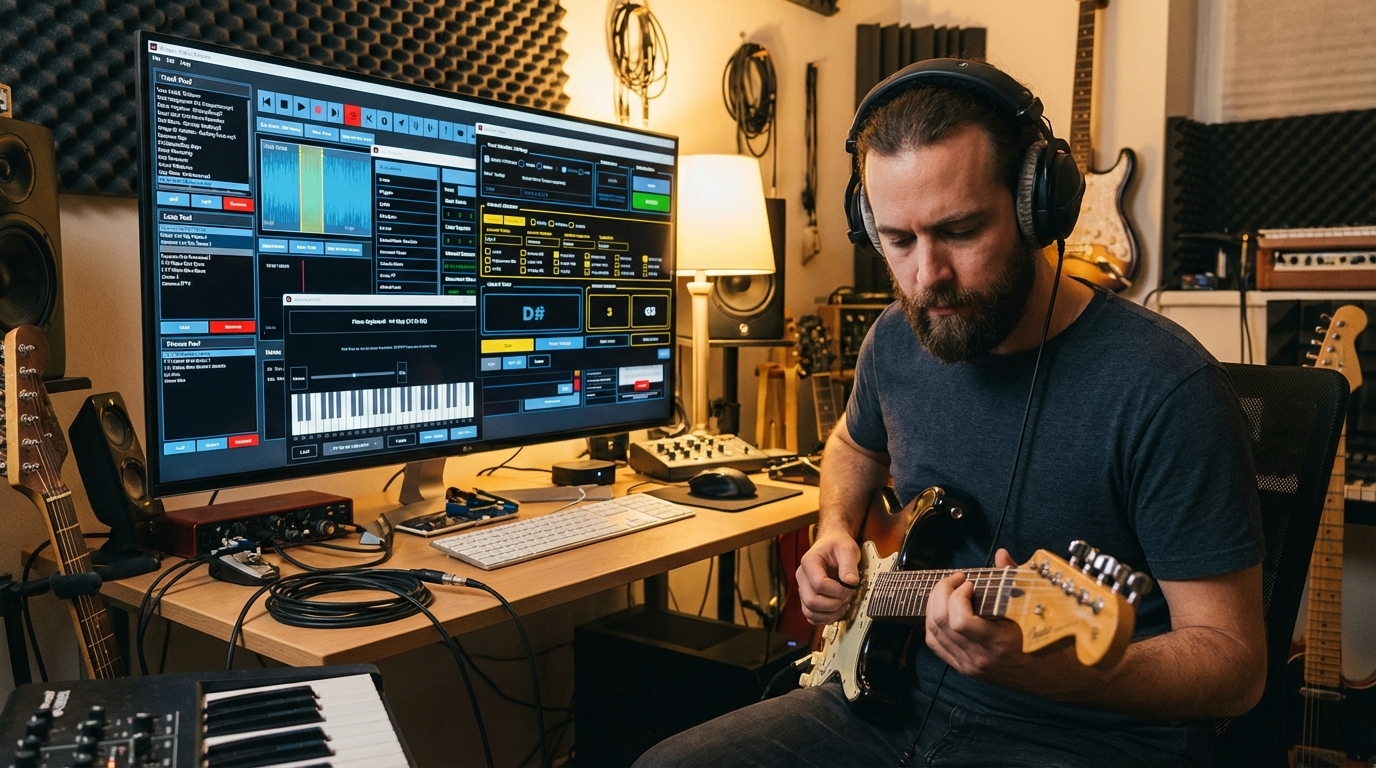
Mingus is a Desktop software developed by musicians for practicing and learning Music, available in 10 different Languages.
It features a set of built-in apps designed to enhance your practicing sessions, by making them more efficient and focused.
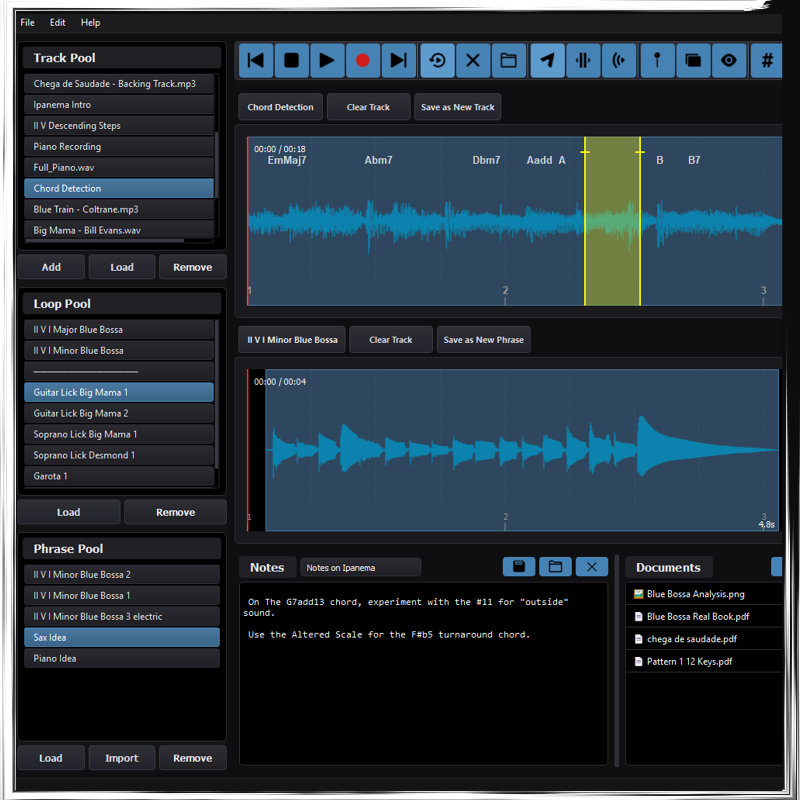
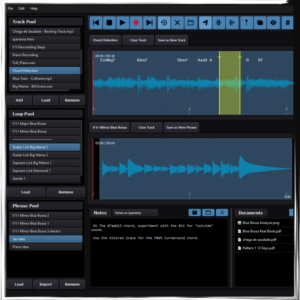
- Track Pool (import reference tracks or save your recordings to playback anytime)
- Looper (create loops that reference track regions, and load them in no time)
- Phrase Pool (save and remember your licks and musical ideas to build vocabulary)
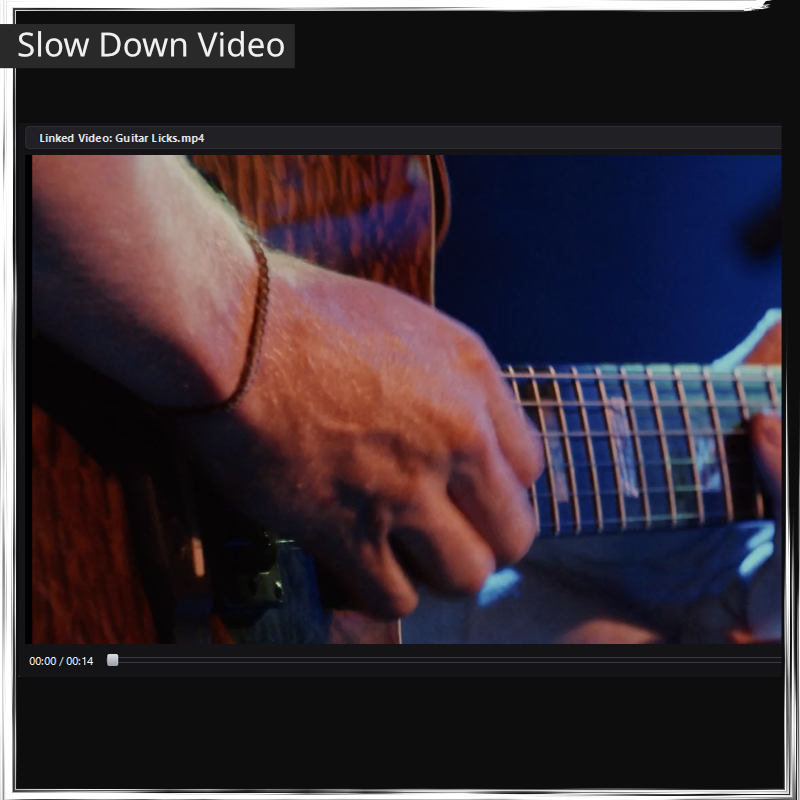
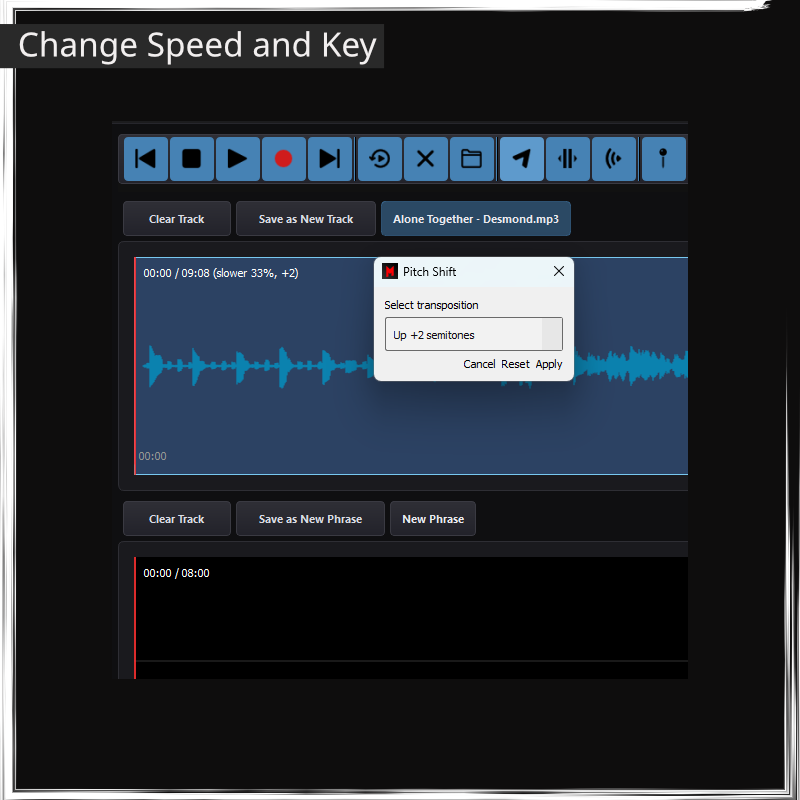
- Slow Down Video And Audio (speed change)
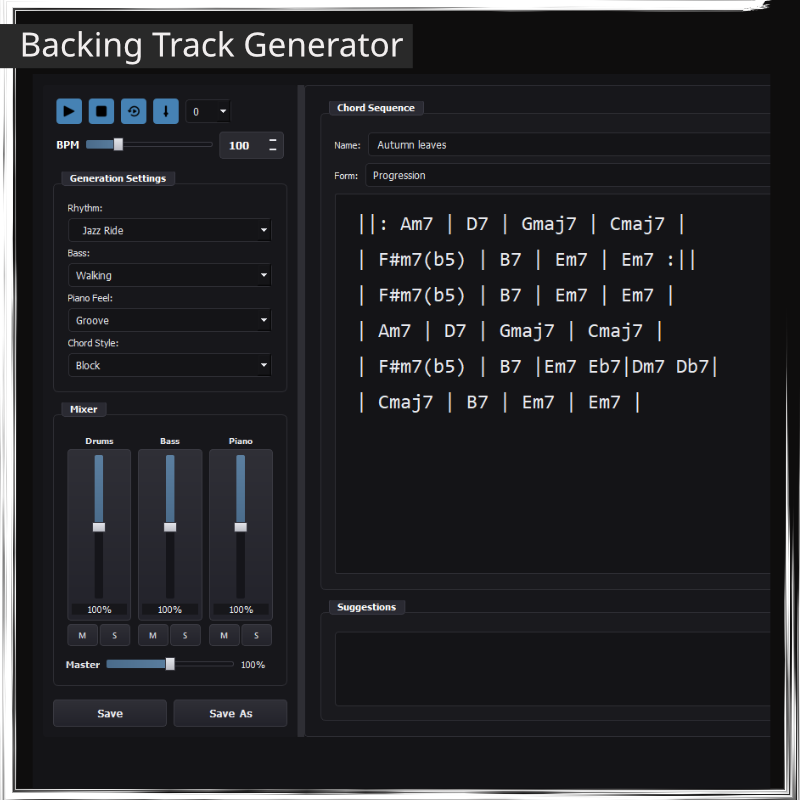
- Backing Track Generator (Create and playback Backing Tracks in seconds, with piano, bass, and drums in multiple styles)
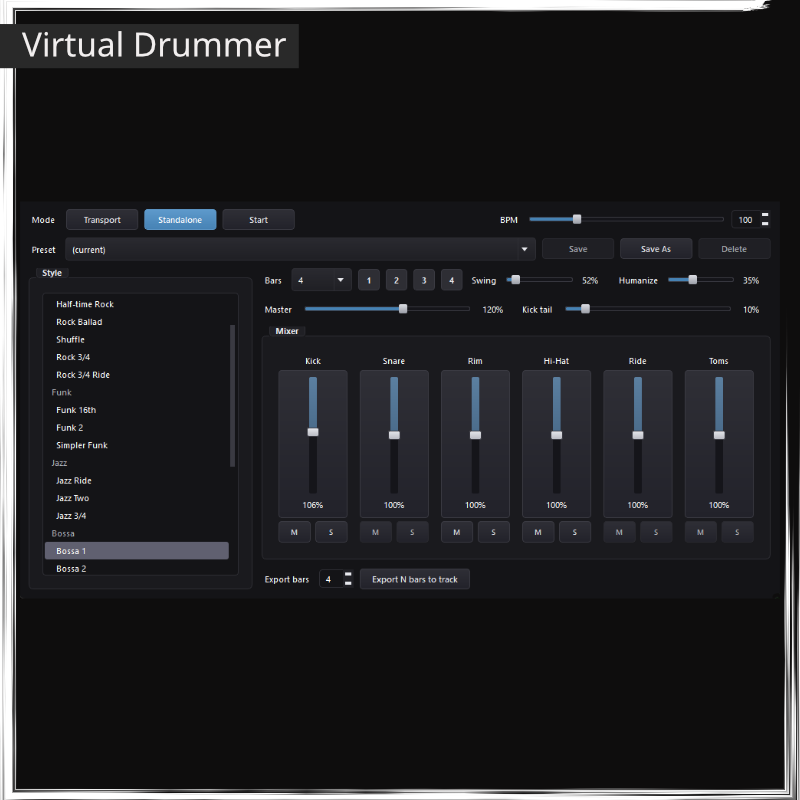
- Virtual Drummer (Play along with a live Drummer — rock, funk, jazz, bossa, latin and reggae grooves, real sounds and human feel).
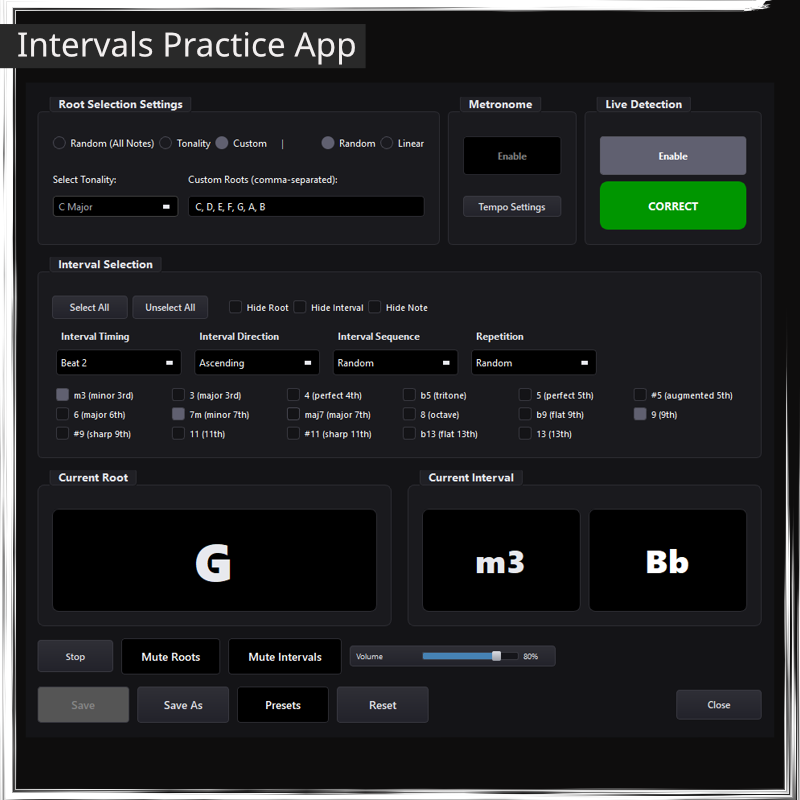
- Intervals (an advanced App to practice and efficiently learn the intervals and notes in your instrument and train your ears)
- Change Track Key (pitch shift)
- Dual Track recording and audio Editing (record tracks to play along, or musical ideas you want to store and use later)
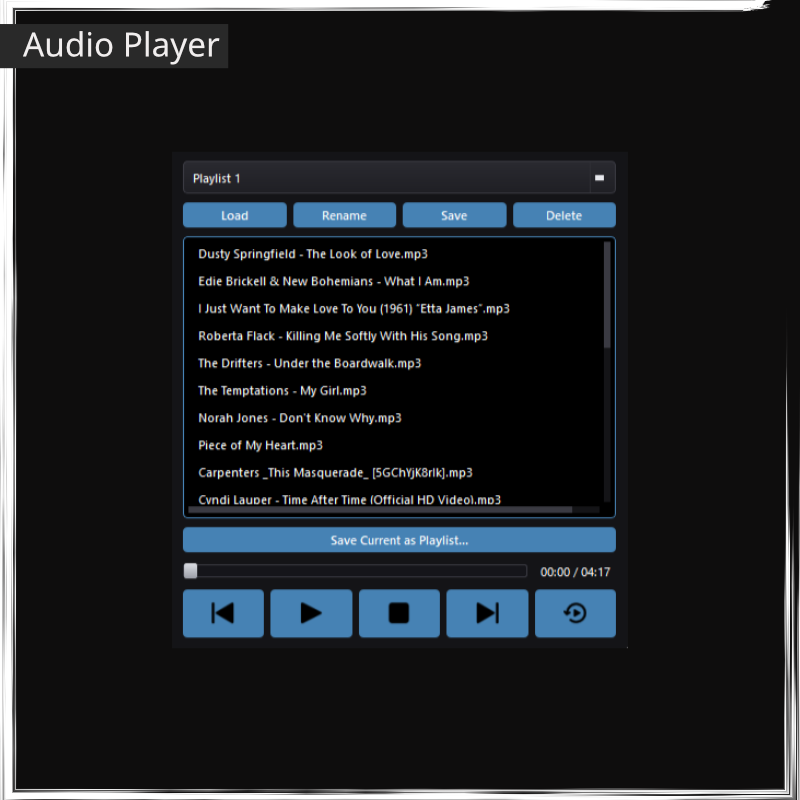
- Audio Player & Playlists (play songs and save playlists in a dedicated audio player).
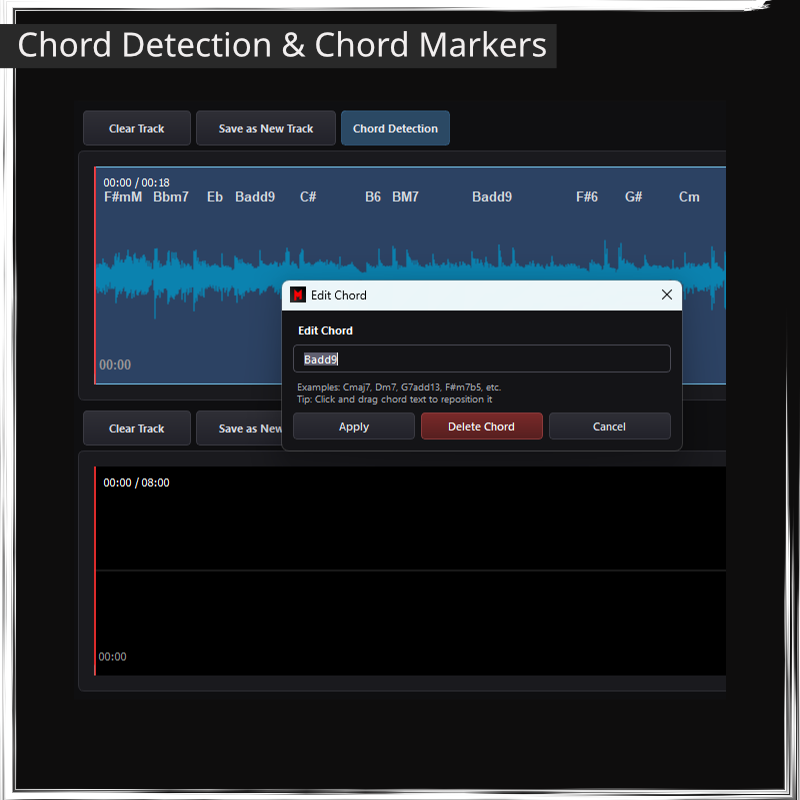
- Chord Detection (extract chords from audio, easily edit or transpose the chords)
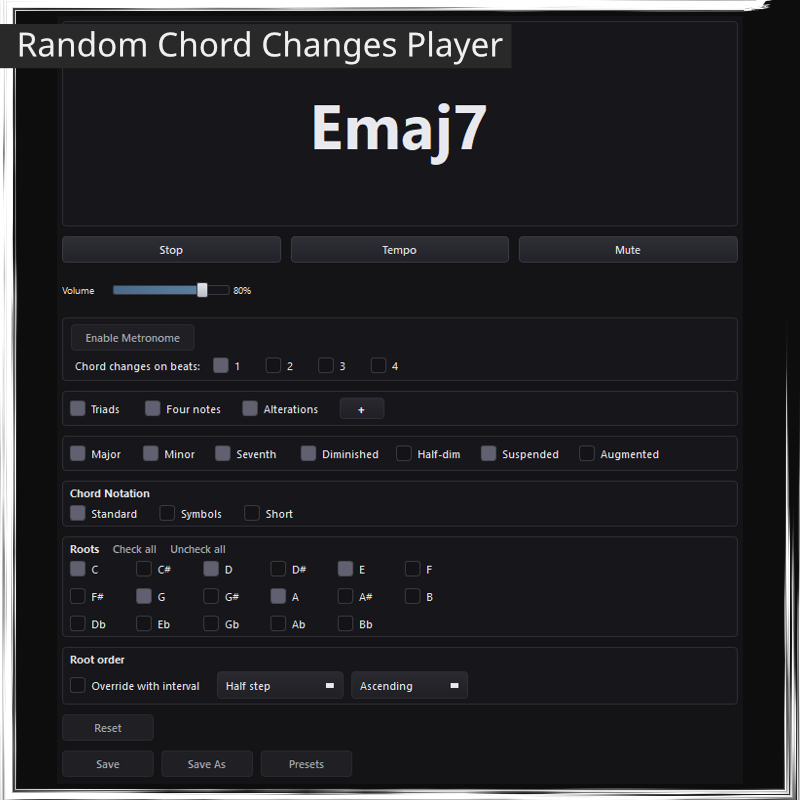
- Random Chord Player (get better at first sight chord reading)
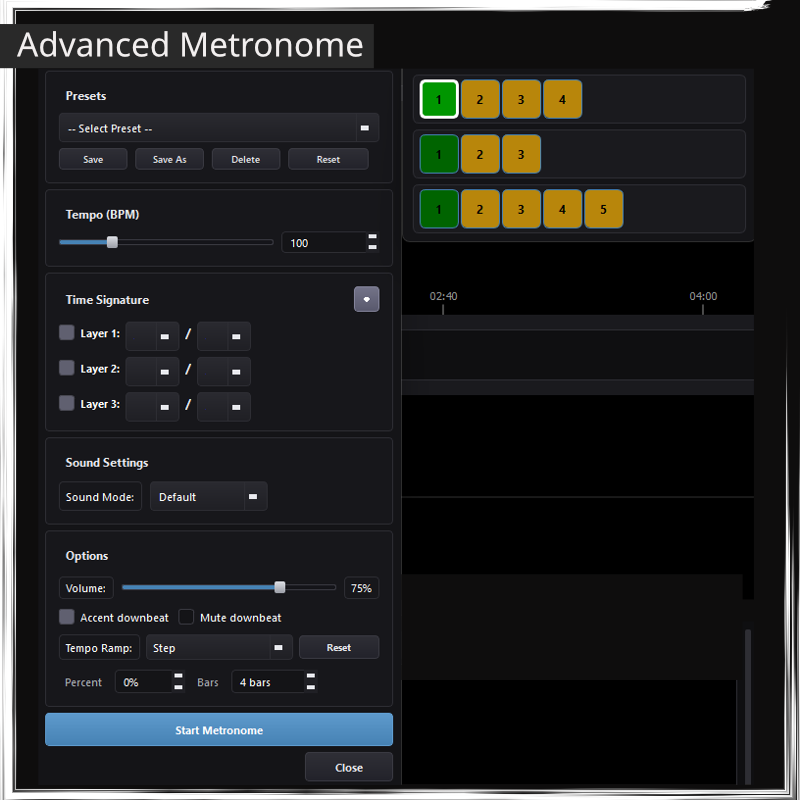
- Advanced Multi layer Metronome with Beat Display (metronome with three layers of time signature for advanced tempos. Beat display for visual representation of each beat)
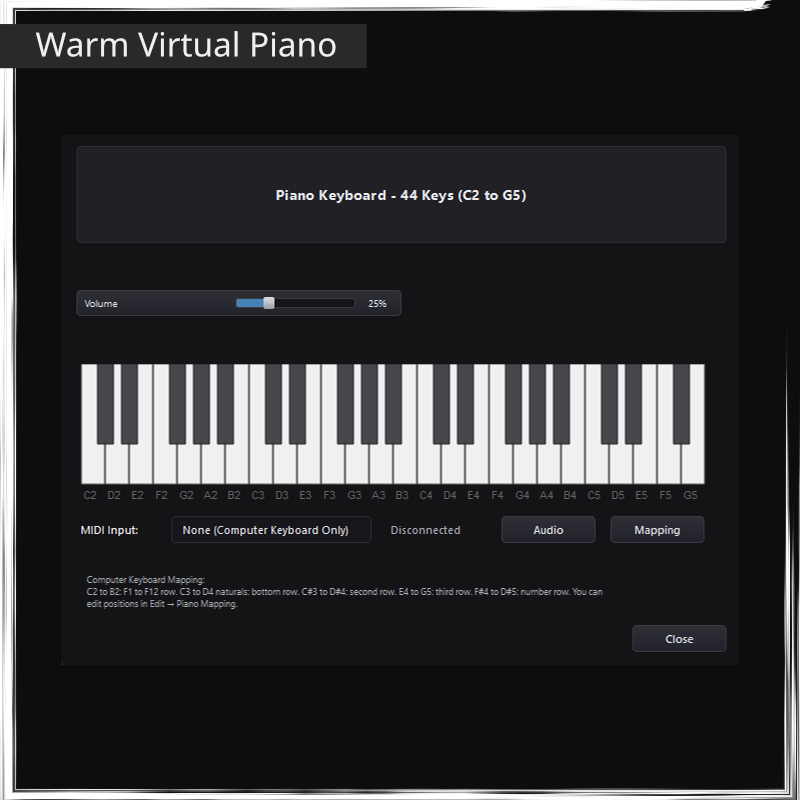
- Virtual Piano (warm sounding Virtual Piano tool to record on tracks or to get creative)
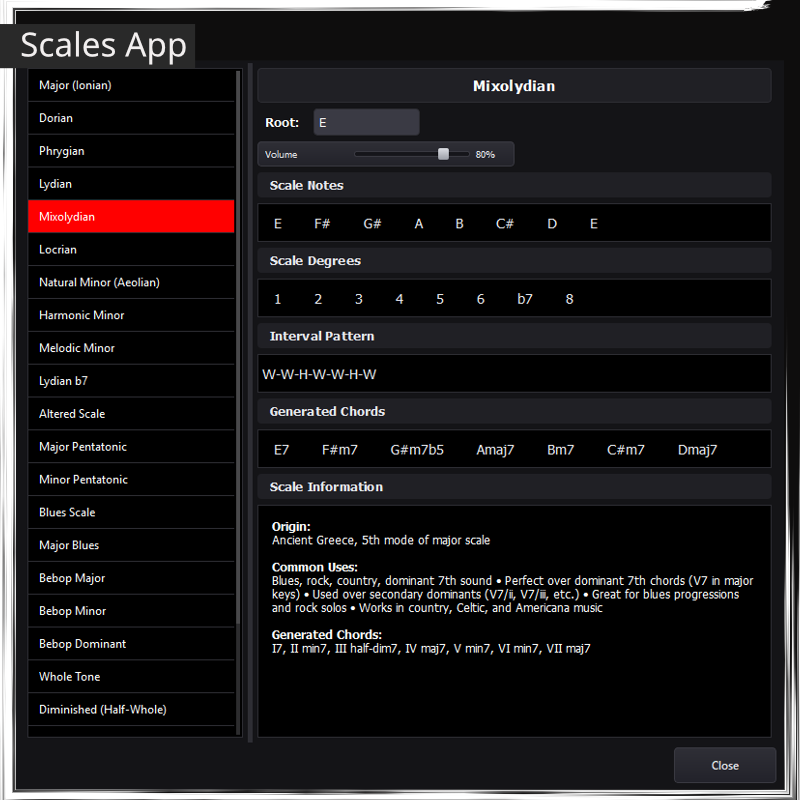
- Scale Syllabus (a Scale App with extensive info about many scales, that you can transpose to any key, and hear the actual notes of the scales by hovering)
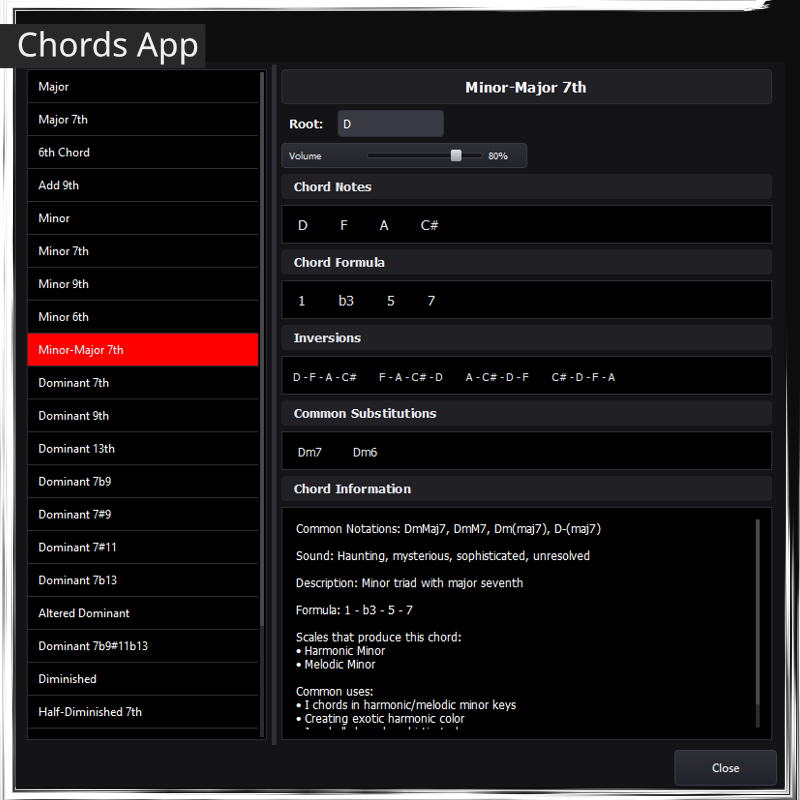
- Chord Syllabus (a Chords App with extensive info about many chords, that you can transpose to any key, and hear the actual chords by hovering)
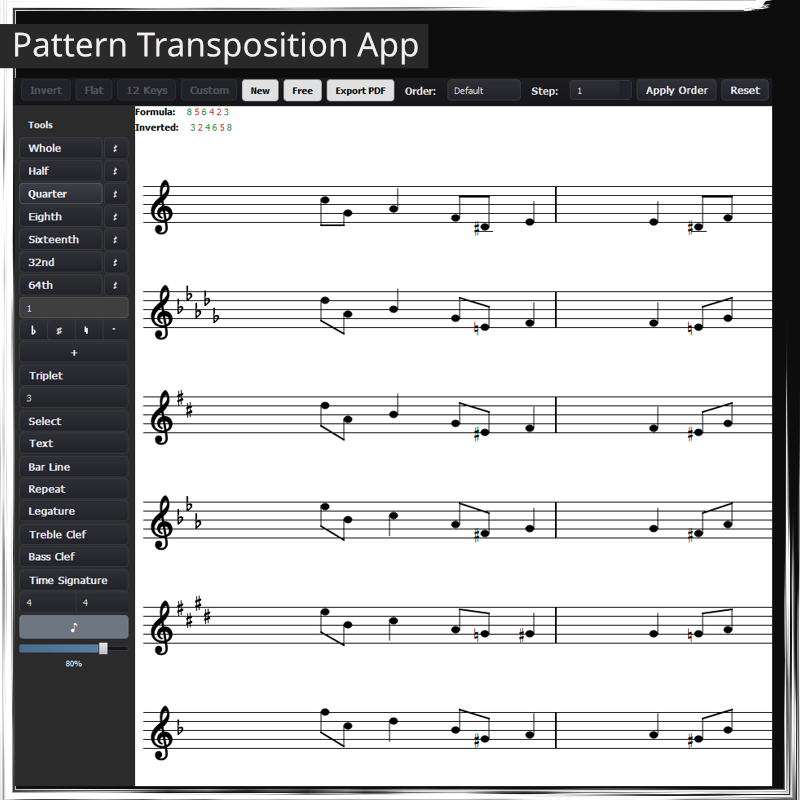
- Pattern and Lick transposition (an App to write patterns, licks or phrases and transpose them to 12 keys in one click, that is also a Score Writer and Pdf Book maker)
- Notepad (write notes, lyrics, set lists, song structures… export them as Pdf)
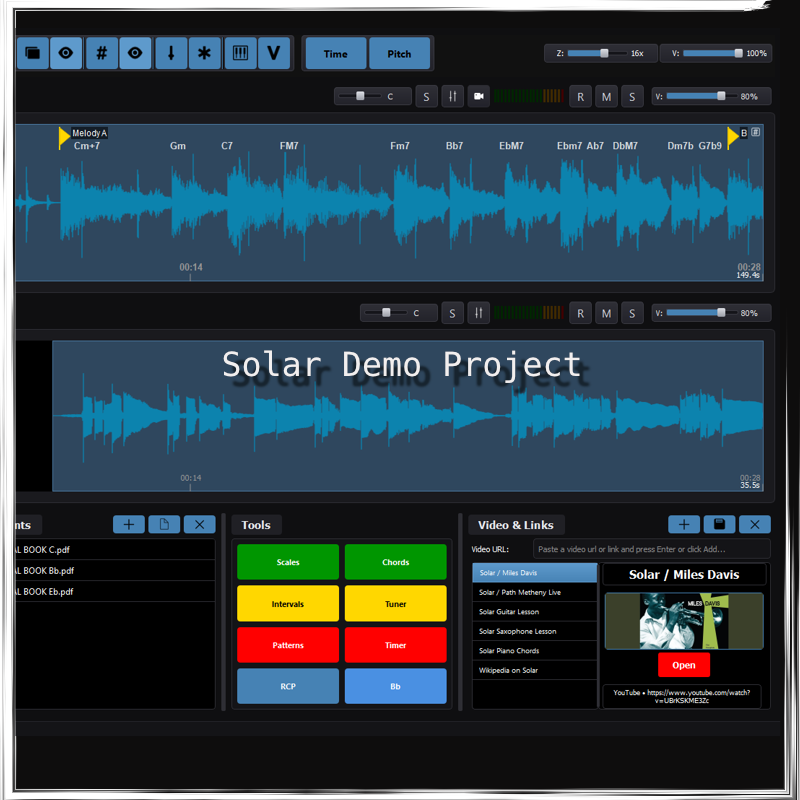
- Document Pool (store files related to your project, such as scores, Real Book pages, song analysis, etc)
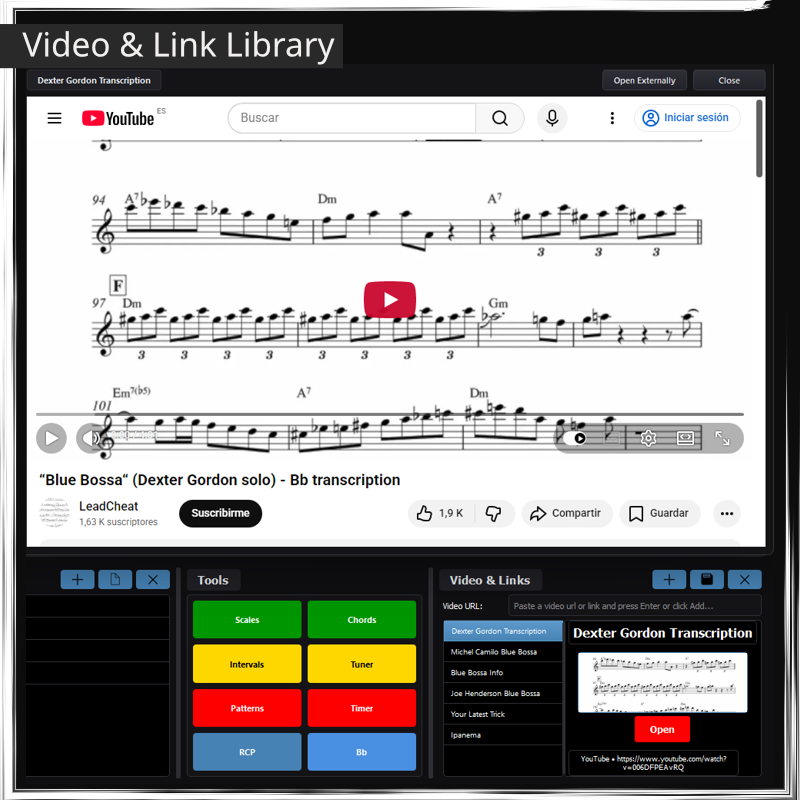
- Video Library (a library of videos related to your project, such as Youtube lessons, or song versions, and links with relevant info online)
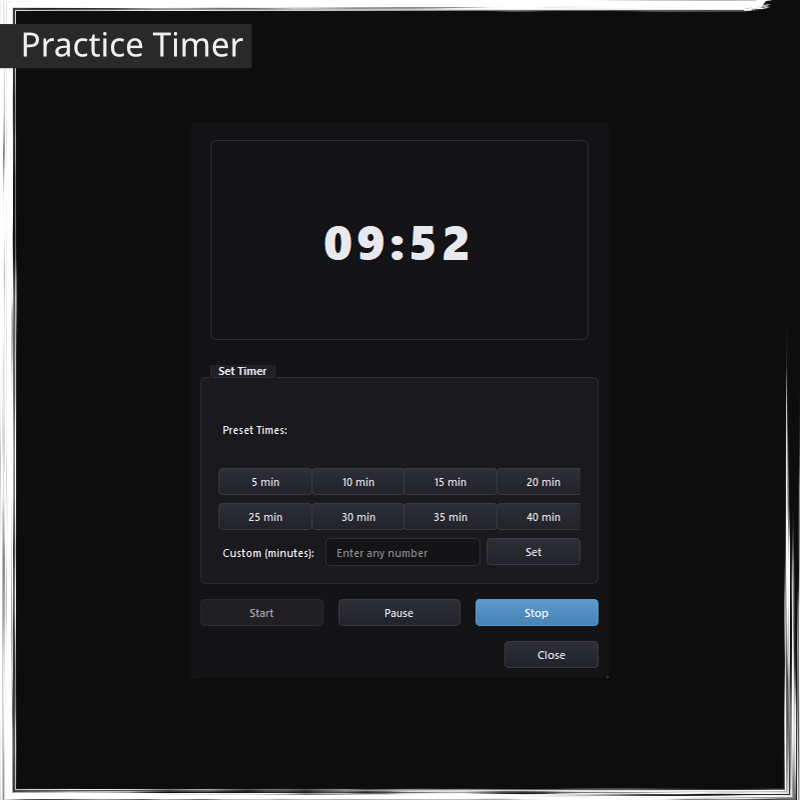
- Practice Timer (a custom Timer to set alarms and for focused timed sessions)
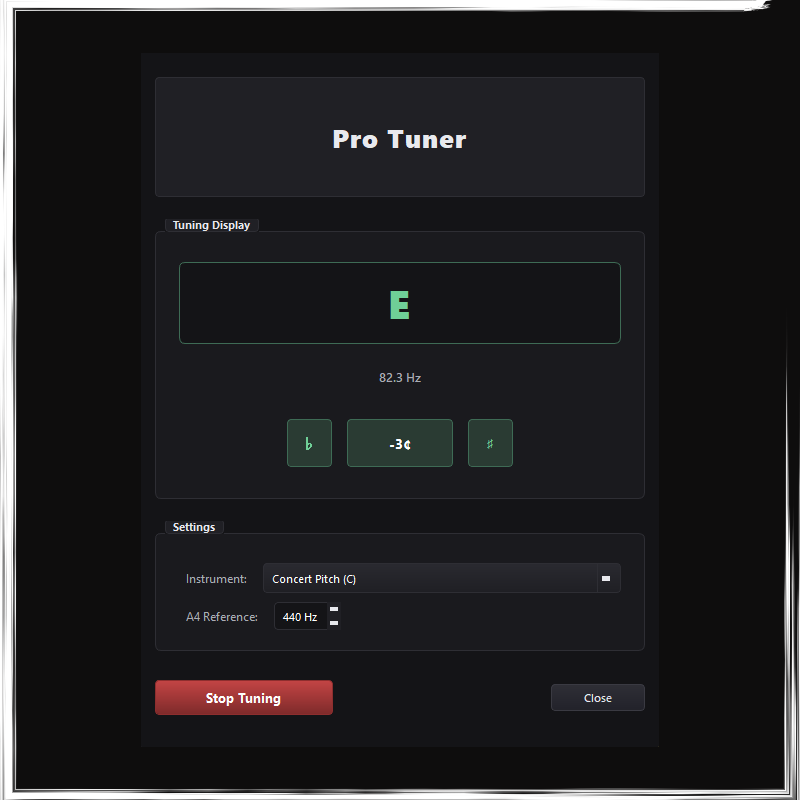
- Pro Tuner
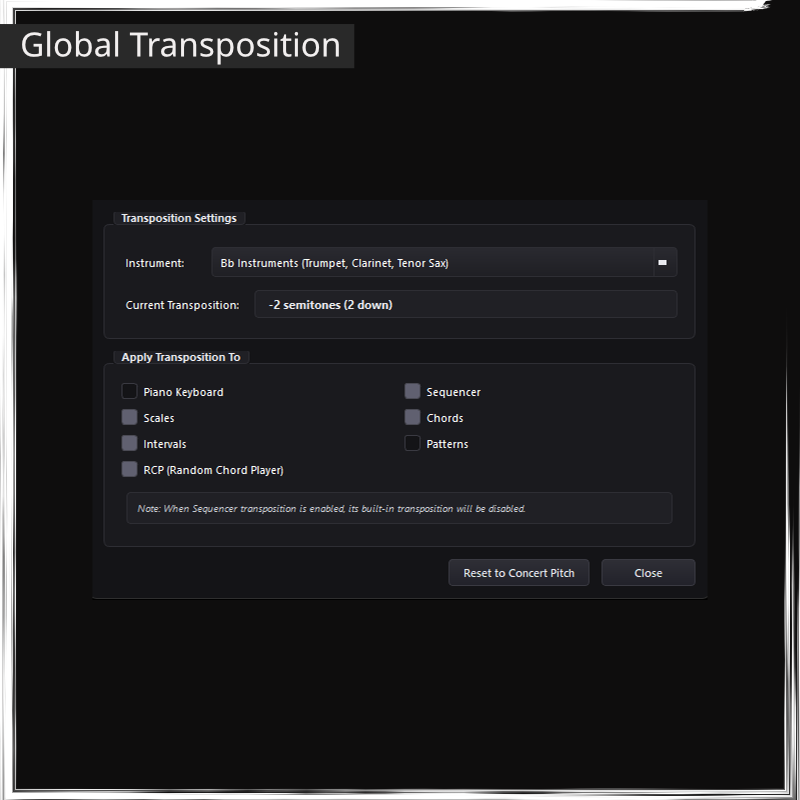
- Global Transposition (A core transposition algorithm that allows you to use Mingus with any Transposing Instrument)
- Midi Input Control Mapping (Use external MIDI controllers to trigger audio transport and pdf viewer controls)
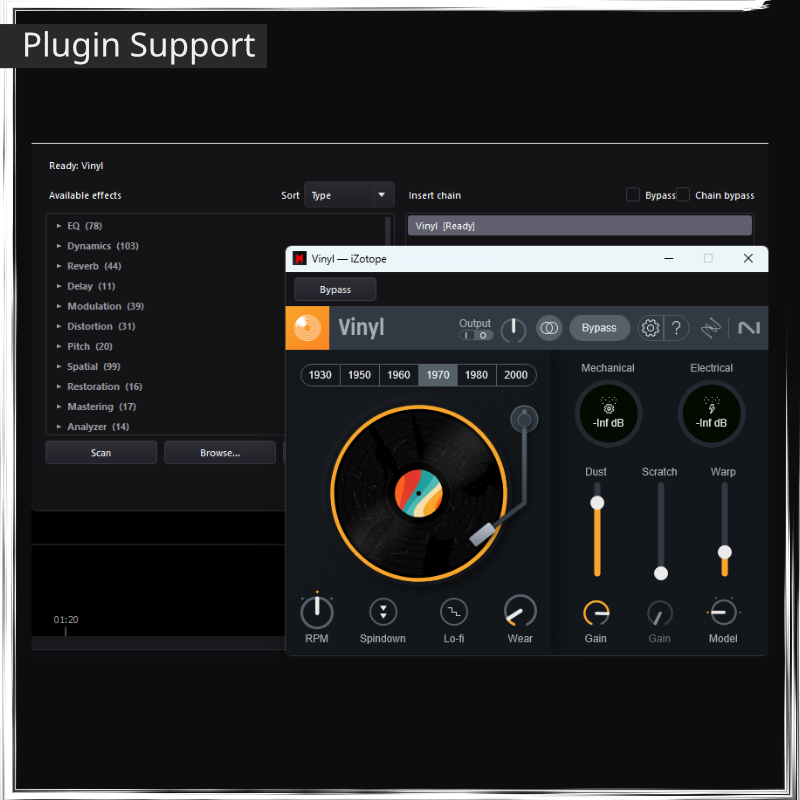
- Plugin Support for third party VST3 and AU effects and virtual instruments.
Requirements
- Windows 10, 11 (64-bit), or macOS 12.0 Monterey or later (Intel and Apple Silicon)
- 4 GB RAM
- 1 GB Free Space Mac
Erik (verified owner) –
I love this Program!! It has revolutionized how I learn songs
Alex (verified owner) –
It’s a cool Software. Some features you can find in other apps, even for free, but it’s not bad to have them all in one place…. What I really like so far is the way the looping of sections works, this is great for practicing over tracks, which I do a lot, it really helps you learn your song sections fast and practice specific bits for improvisation. The Intervals app is also very useful, although I had a bit of trouble at the beginning to get the audio sound, but it works well. Still testing…
Alice (verified owner) –
Thank you Support Team for being fast and helpful! All good now…
Detlef (verified owner) –
Mingus is a great piece of software with very useful features that set it apart from many other programs. I asked the support team if the window size and position of the document viewer window on the screen could be saved automatically, and it took less than two days for the development team to integrate this feature into the program. Thank you so much!
Austin Gallagher (verified owner) –
The Random Chord Player is just brilliant!!! I’m really getting better at sight-reading chord changes, I totally recommend it!
MariaBass (verified owner) –
I Love it!
(Translated from Spanish)
Gonzalo (verified owner) –
The first software I’ve seen that has a candombe groove to play over, how great…
(Translated from Spanish)
Claire (verified owner) –
Finally a program that’s actually built for working on songs. The looper is great.
(Translated from French)
Anja (verified owner) –
I practice with it almost every day. The Random Chord Player in particular has really helped me.
(Translated from German)
Durand (verified owner) –
Software and team are top-notch, and support is incredibly responsive. I highly recommend this software for progressing at your own pace while learning new songs.
Another big well done
(Translated from French)
Lukas (verified owner) –
Great software for practicing. The looper and slowing songs down are exactly what I needed.
(Translated from German)